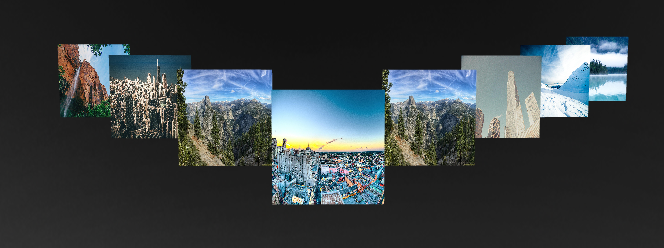
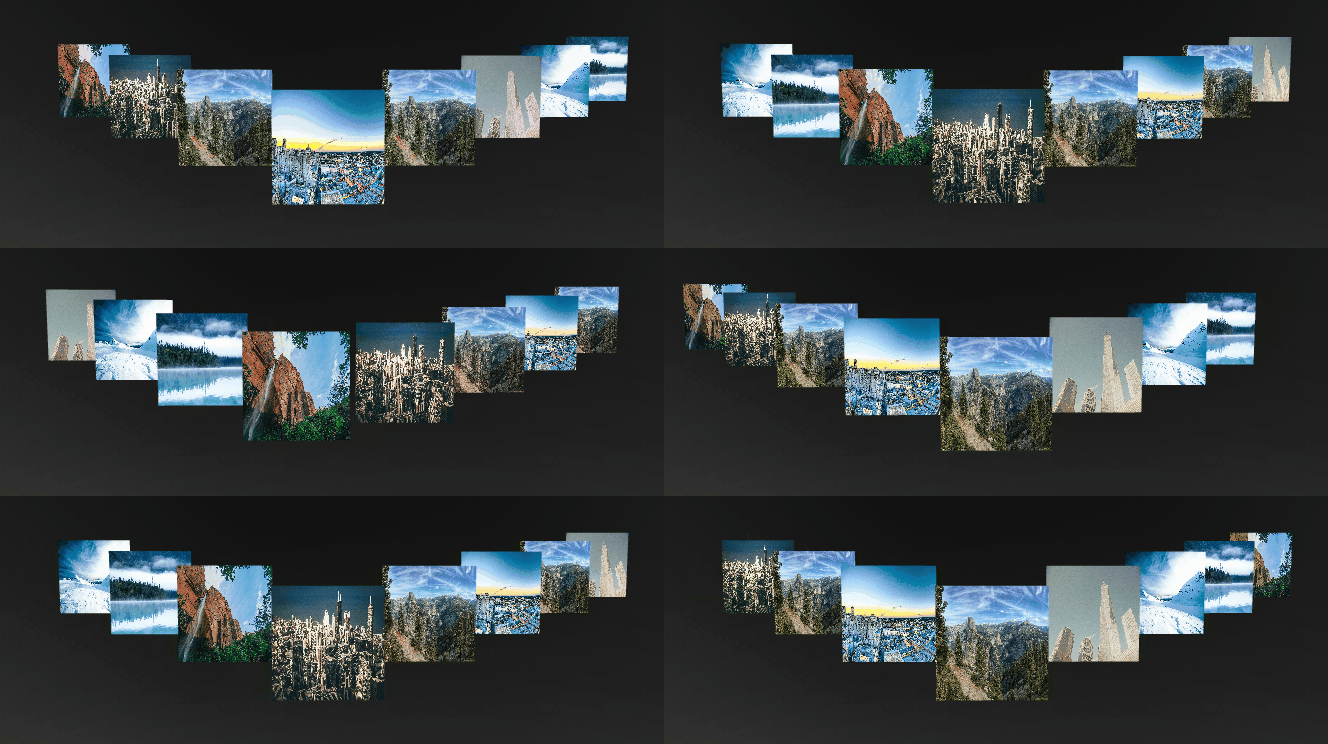
Prefab View nodes enable you to change a prefab at application runtime. See Using prefabs.
Rulers and guides help you position the elements in your application. See Using rulers and guides.
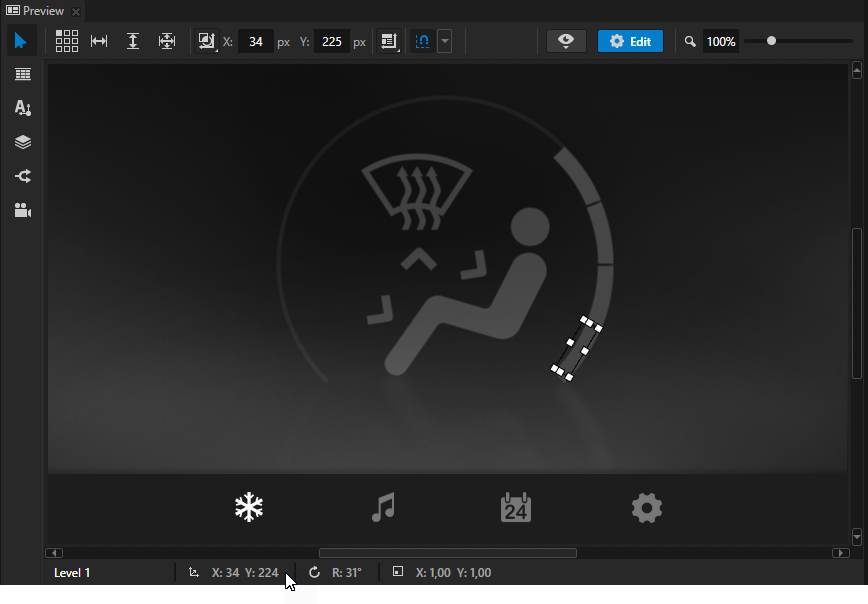
The Preview now shows the scale, rotation, and transformation values for either the Render Transformation or Layout Transformation property of the selected node.
You can now use the Animation Player to control the playback of keyframe animations. See Playing keyframe animations. Update your Kanzi applications to use the new features in the animation system. The Play Animation action is deprecated and will be removed in the next version of Kanzi. See Playing keyframe animations.
Removed the Background Animation property. When you open a project created in an earlier version of Kanzi Studio, Kanzi Studio replaces the Background Animation property with the Animation Player.
The legacy animation and its C API are removed. To learn how legacy features map to new features, see Kanzi 3.5 migration guide.
New property system. Property system is now fully converted to C++ and the old C API is removed. See Resource properties.
Reworked asynchronous loading.
Replaced the Preload Resources action and the On Preloading of Resources Completed by the Prefab View node functionality. Use the Prefab View node to load resources asynchronously during runtime. See Using prefabs.
Added focus and keyboard support for Grid List Box, Scroll View, Slider, and Trajectory List Box 3D nodes.
Made possible to change Item Template property in a list box with a state manager.
Updated the Performance HUD to include the information about the animations and to enable you to set the level of information the Performance HUD shows. See PerformanceInfoLevel.
Refactored the rendering of Node2D. As a result the CPU consumption by Node2D has decreased. See Node2D.
Removed the message queue support in the message dispatcher. Now all messages are delivered immediately. In the future versions of Kanzi, the task scheduler will replace this functionality.
SRTValue3D no longer contains Euler angles. Use quaternions to describe orientations of 3D objects.
Merged the BrushResource class to the Brush class.
Font loading now uses memory mapping which is enabled when you enable memory mapping for your application. This enables you to improve the performance and memory consumption of your application.
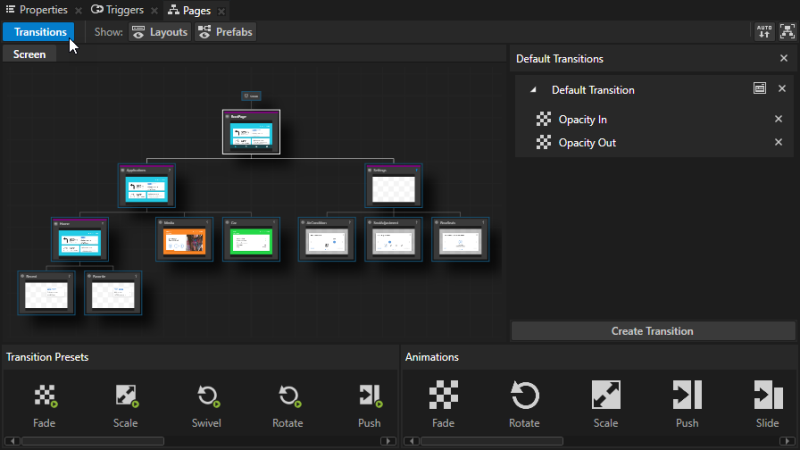
Improved the usability of the Pages window, including the highlight colors:
White border marks the currently active Page or Page Host node.
Purple line on top of the node marks a Page Host node.
Orange border marks the last active node in a Page Host node.
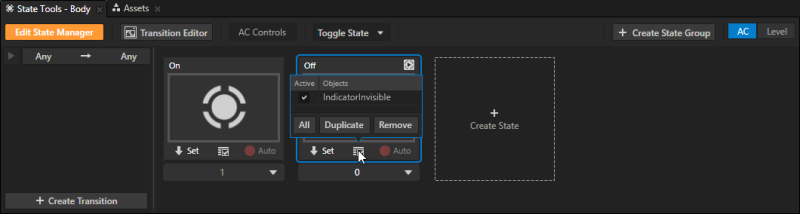
Improved the usability of the State Tools:
Exposed the Selected property for the List Box Item Container in State Tools.
Cleaner layout, including the improved layout of states.
You can now edit complex property types, such as matrix properties like Render Transformation and resources like Default Texture, without leaving the State Tools window.
When you enable State Tools edit mode the Preview window border turns orange, when you use the auto-record button, the border turns red.
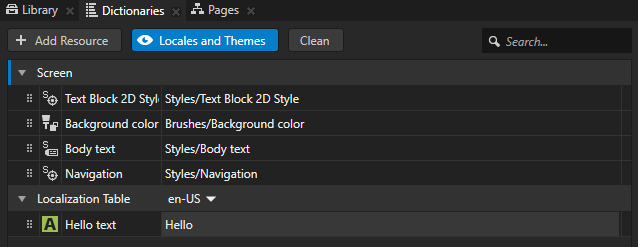
Overhauled the interface and approach to working with resource dictionaries in Kanzi Studio. The new Dictionaries window enables you to:
Manage the content of resource dictionaries in nodes.
Create different resource types and add existing resources to the resource dictionary you select.
Navigate between Page and Page Host nodes using scripts. See .
Get the node which currently has the focus. See getFocusedNode.
Remove the focus.
Added the functionality to bindings which returns the control that instantiates the prefab. See Prefab root bindings.
Improvements to the Text Block node:
Text Block nodes now take into account more information about positioning of glyphs and spaces defined in the font they use. Among other things, these changes allow you to use zero-width joiners and zero-width space.
Control the text padding with the Horizontal Padding and Vertical Padding properties.
Added the Fixed Character Width property. Use the Fixed Character Width property to turn any font into a monospaced font.
If you created you Kanzi application in an earlier version of Kanzi, these improvements change the way text looks in Kanzi3.5.
In addition to the line and circle trajectories, you can now create and configure directly in Kanzi Studio angle, arc, ellipse, rectangle, spiral, and trapezoid trajectories. You can use these trajectories in the Trajectory Layout, Trajectory List Box 3D, and Slider nodes. See Trajectories.
Improved usability of the Localization Editor.
Introduced a faster algorithm to generate mesh normals.
In Kanzi Studio you can now redeploy and launch the latest build of your application .apk without building it.
Added the functionality to discard mouse and touch events per application. See EventSourceProperties.
Added the ability to create texture from an existing GL handle.
Exposed implementations for UI controls concept classes.
Improved the stability of OpenGL emulation on Windows and Parallels.
Changes
Kanzi Studio is now 64-bit, which enables you to work on larger projects.
Kanzi Studio now uses .NET Framework 4.6.2.
The API to created domain has changed. Domain now creates all subsystems itself.
Removed the Object Depth and Scissor properties.
KzcColor structure replaced with ColorRGBA everywhere.
Changed how resources are restored on application resume. The resources you want to automatically restore on resume must be available and you must register them with the resource manager.
Texture API.
Reusing message argument structs that are marked as handled now generates an exception.